
Email marketing is still one of the most powerful tools for growing a business—but only if your emails are written well. Whether you’re sending onboarding flows, newsletters, or automated campaigns through NexaMail, the quality of your writing directly affects your open rates, engagement, and conversions.
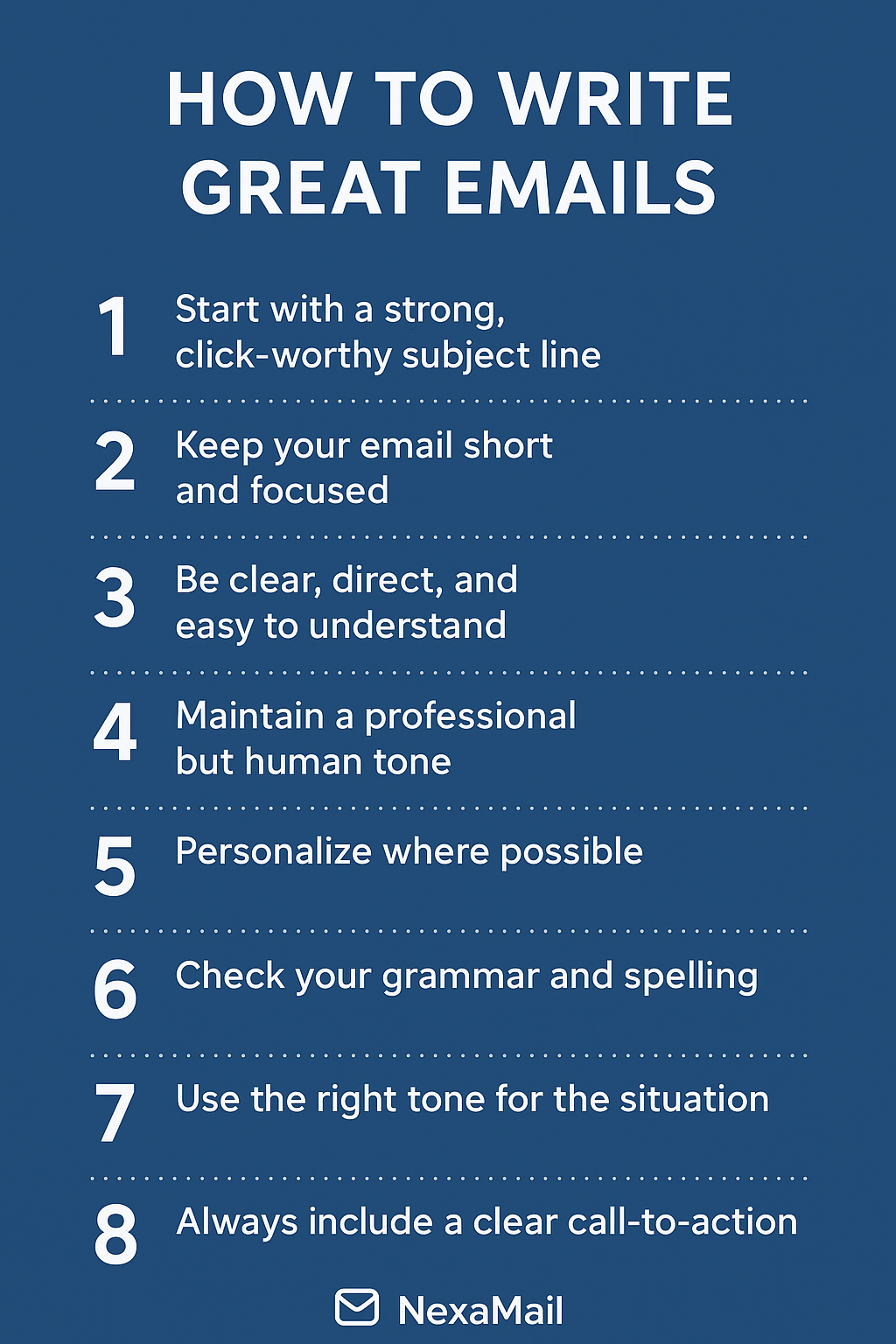
In this guide, we break down 8 expert tips to help you write effective emails that stand out in your customer’s inbox—and get real results.
1. Start With a Strong, Click-Worthy Subject Line
Your subject line determines whether your email gets opened or ignored. Make it:
- Clear
- Benefit-driven
- Short (40–50 characters)
- Relevant to the content
- Emotionally appealing
Adding urgency or curiosity can improve open rates—just avoid clickbait.
With NexaMail’s analytics, you can A/B test subject lines to see what your audience responds to best.
2. Keep Your Email Short and Focused
Most readers scan emails in seconds. Long blocks of text lose attention fast.
To keep your message digestible:
- Use short paragraphs
- Break text into sections
- Add bullet points
- Stick to one main idea
Clarity always wins.
3. Be Clear, Direct, and Easy to Understand
Your reader should immediately know why you’re emailing them.
In the first few lines:
- State your purpose
- Explain the benefit
- Guide them toward the next step
Avoid jargon unless your audience is highly technical. Clarity boosts trust—and engagement.
4. Maintain a Professional but Human Tone
Nobody wants to read robotic emails.
Use a natural, conversational tone:
- Write like you speak
- Use “you” and “we”
- Be friendly, not overly formal
- Avoid slang, emojis, and overused buzzwords
This helps build a genuine connection with your audience.
5. Personalize Where Possible
Personalized emails perform better across every metric—from opens to clicks to conversions.
Simple personalization techniques include:
- Using the recipient’s name
- Referencing past activity
- Sending content tailored to their interests
- Triggering automated emails based on behaviour (NexaMail makes this easy)
People engage more when the message feels relevant to them.
6. Check Your Grammar and Spelling
Typos harm credibility.
Before sending:
- Run spell check
- Re-read everything
- Preview the email (NexaMail’s preview tool helps here)
- If possible, have someone else read it
A polished email shows professionalism and builds trust with your audience.
7. Use the Right Tone for the Situation
Match the tone of your email to its purpose:
- Formal for proposals, onboarding, or transactional updates
- Friendly and warm for newsletters
- Direct for promotional campaigns
- Empathetic for support messages
Tone can make or break how your message is received.
8. Always Include a Clear Call-to-Action (CTA)
Every email needs a purpose. Tell your reader exactly what you want them to do.
Strong CTAs include:
- “Book a demo”
- “Download the guide”
- “Start your free trial”
- “View your dashboard”
Make the CTA button visible, bold, and easy to click—especially on mobile.
Bonus: Add a Professional Email Signature
A good signature builds trust and increases brand recognition. Include:
- Your name
- Your title
- Your company (NexaMail)
- Contact details
- Website link
- Social media links
Keep it clean and minimal.
Conclusion
Writing great emails is a skill that improves with practice—and the right tools.
By applying these 8 tips, you’ll instantly improve the clarity, professionalism, and impact of your email communication.
Whether you’re sending campaigns or automated workflows through NexaMail, great email writing ensures your message gets noticed and your audience takes action.
Ready to take your email marketing to the next level?
NexaMail gives you everything you need to create, automate, and optimize powerful email campaigns—built for South African businesses.